I don’t like the looks of the iOS 26. It’s all blinking and busy it hurts my eyes. I even enabled the Reduce motion option in settings and like it for now. The only thing is now I’m not sure if it’s cause I’m getting old 😅
Thoughts
Thoughts
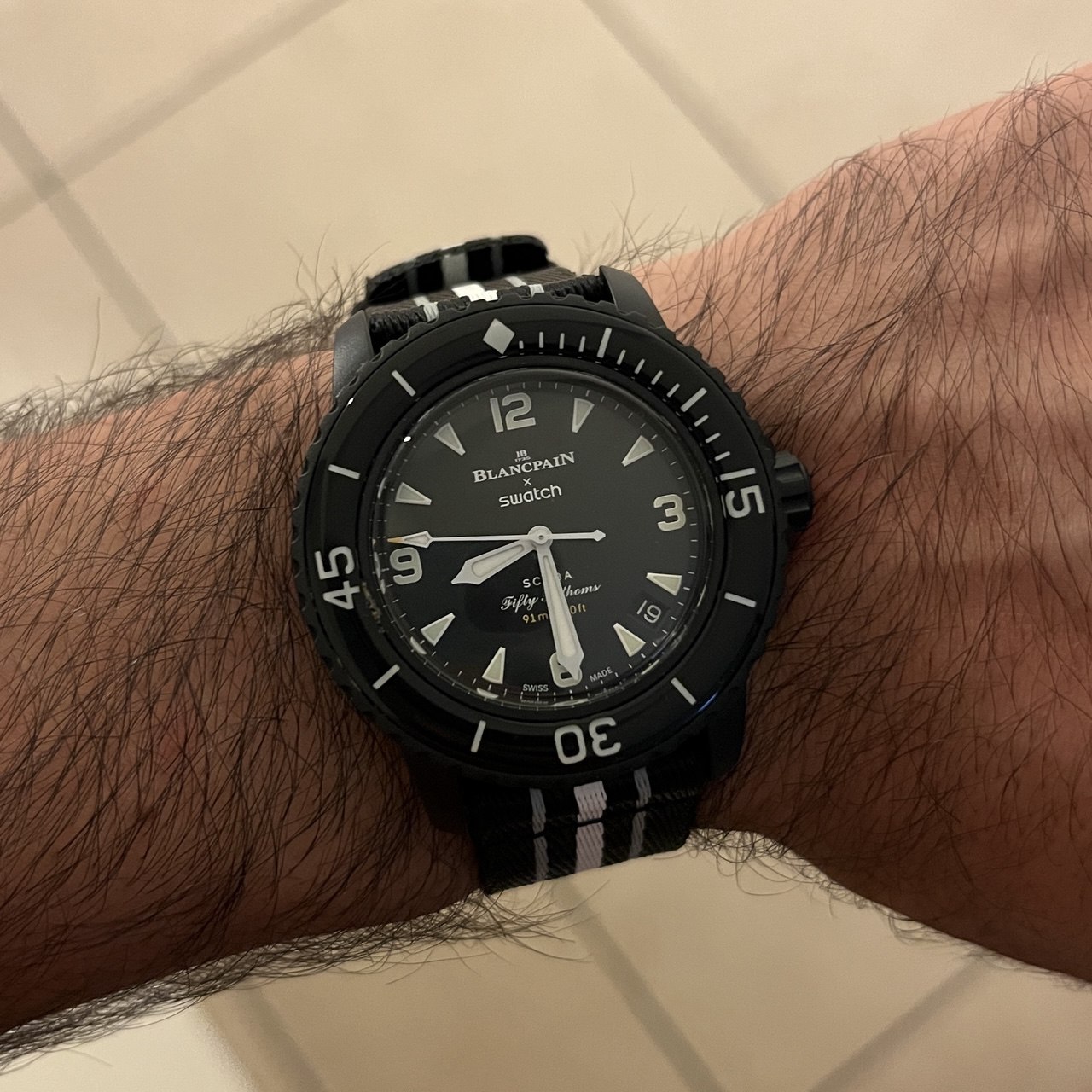
After a long wait, I got mine 😁
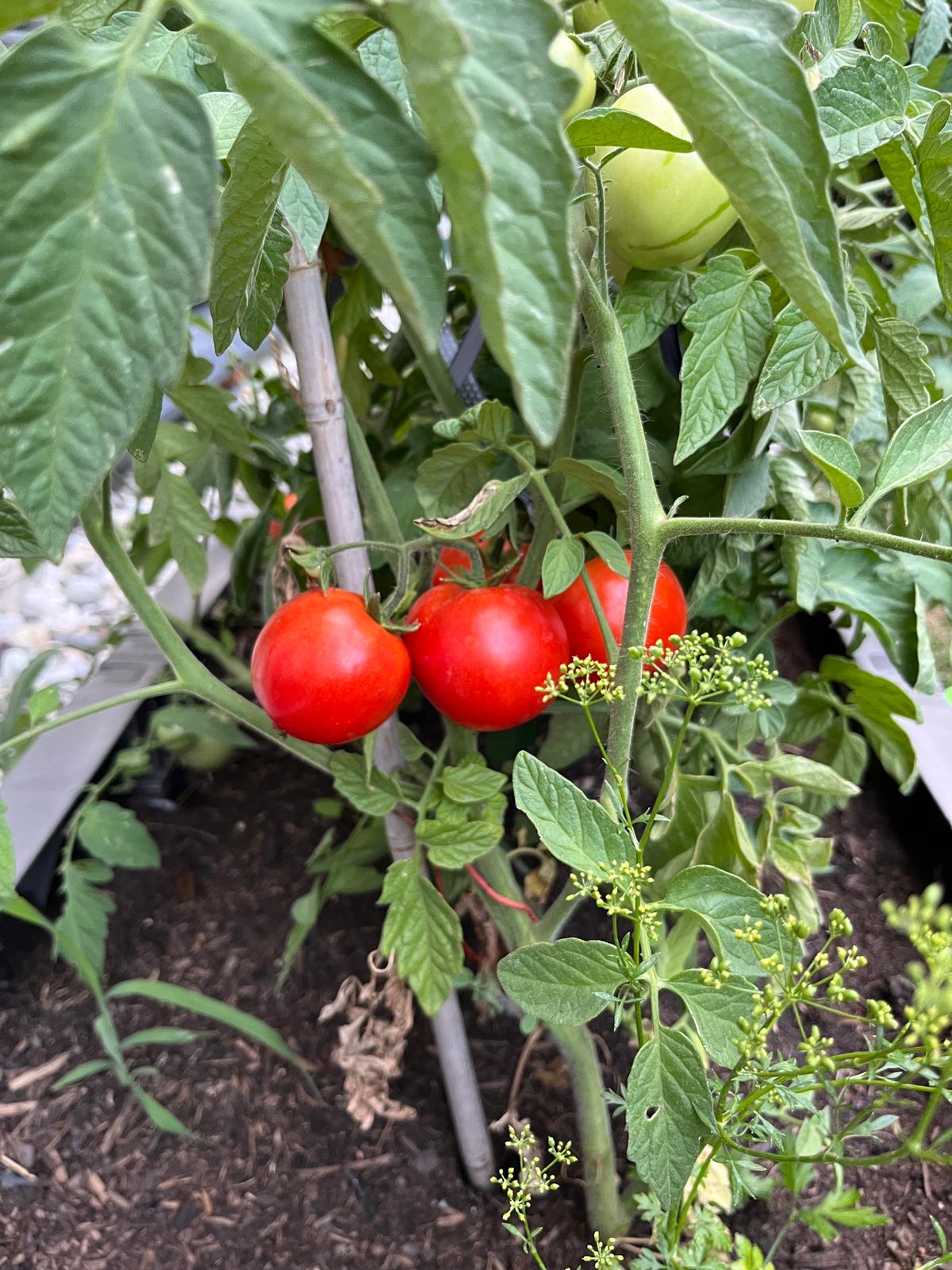
First of the season…

I’m vibe-coding 😂
Pro tip: move your hands away from your mouth when talking in meetings 😉
So I became a Mac user for the first time officially for work. For now there are things I’m impressed with, but also a lot that will need my time to adopt and learn. Let’s see how it goes…

Let there be light
I know there’s dev testing, qa testing, testing in production… but, when you leave the application to do its work in a real world scenario and test it only after that, is it called post production testing? Asking for a friend ofc 😂
Every time there’s a power outage I feel like we wouldn’t survive a day without it 🫤
Windows is really stubborn in getting me use Outlook. I don’t like it at all. It’s big, bloated, filled with ads and unnecessary features or features that require money. I’ll keep using plain old Mail app as long as I can.
After every major Windows update first thing I do is remove bloatware 🤷
Wow I didn’t notice before how Google search became almost unusable. To get to the actual search results you must scroll through ads, video and image results. Only then you get to see three to four actual results and then there’s “people also search for” section and some more ads at the end.
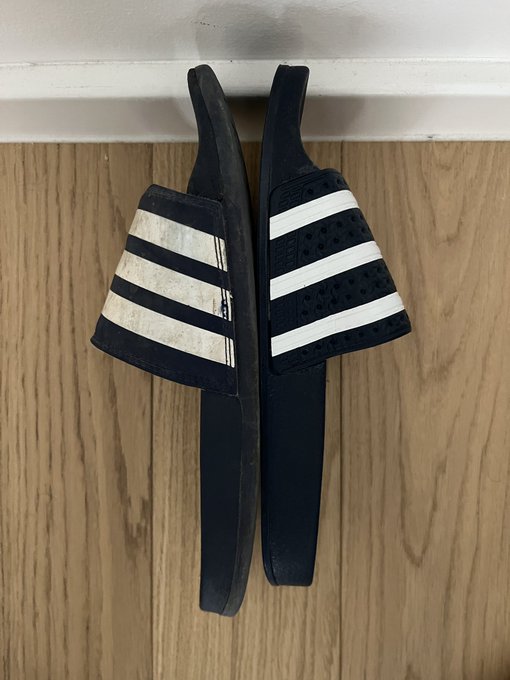
Yes, they are both the same size number 🤷
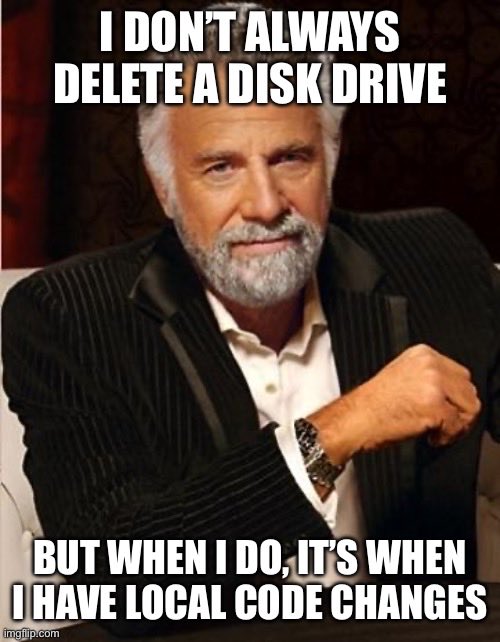
That feeling when after a long productive day, you do a simple but big error P.S. ‘git push’ is your friend
Me: Why are you so sweet? My kid (4): So I can fart in your face.
Every now and then I read something like “grams per pound”. It doesn’t sound right, I don’t know how you Americans live with these.
My kid (2): the sun bothers me, remove the sun.
My kid: When I grow up, I’ll be a crocodile!
Me: did you poop? My kid: I wouldn’t.
My kid: I grew up because I slept for a year.

Today’s bugfix made by two code lines switch.
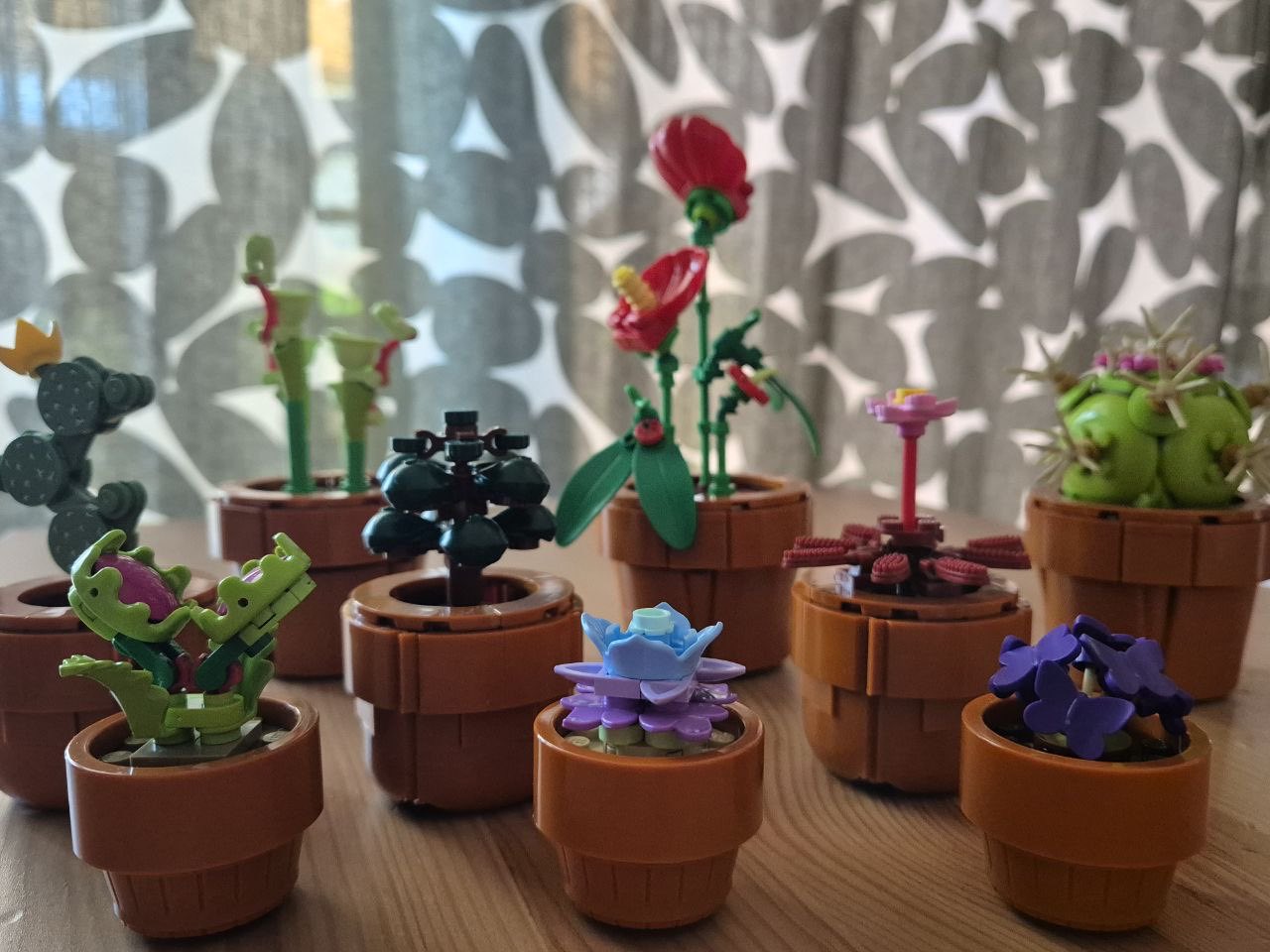
My new plants collection. I hope I don’t overwater them
My kid (4): Dad, will I get married soon?
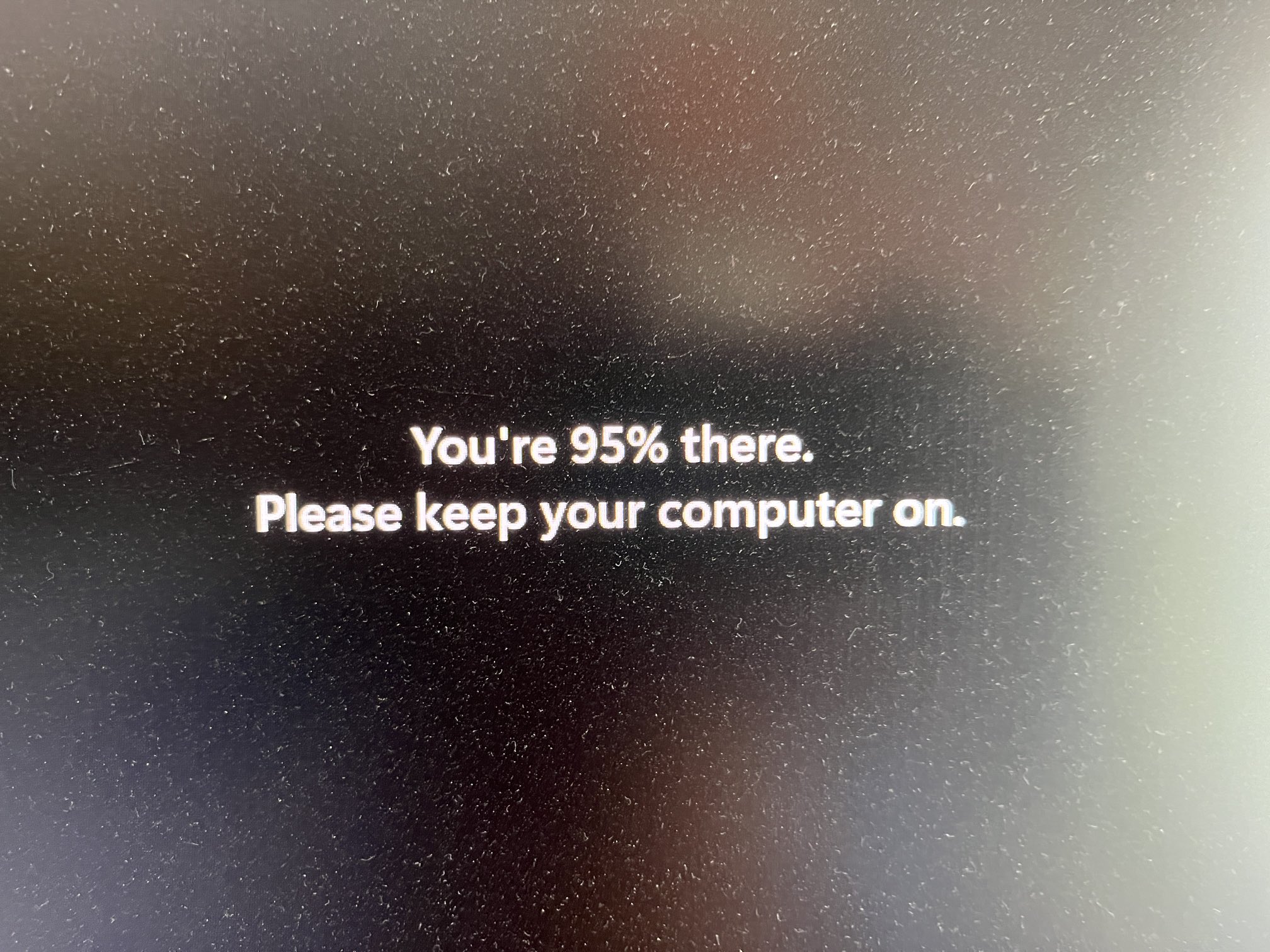
I’ll tell my meeting attendees I’m 95% there.
I just had a battery on my iPhone go up one percent without seeing a charger. It would be awesome if this would actually be a feature, self-charging battery and not just a plain old bug 🫤
I just had a battery on my iPhone go up one percent without seeing a charger. It would be awesome if this would actually be a feature, self-charging battery and not just a plain old bug 🫤
Keyboard layouts that don’t have Ctrl at the corner 😡 Keyboard layouts that require a Fn key to use F keys 🤬
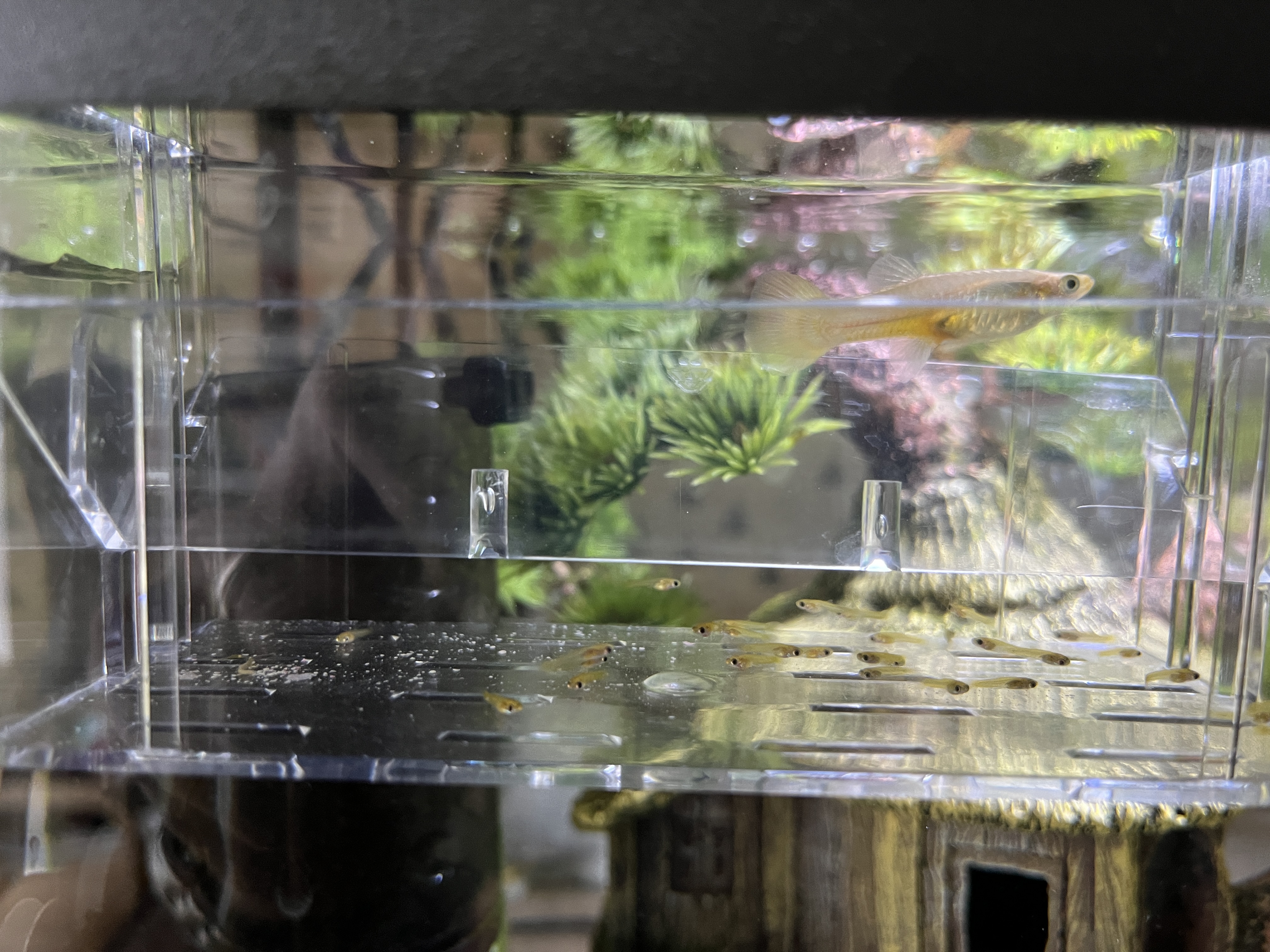
My guppy gave birth to 20+ babies 😃 It’s even more surprising since there was no male in the tank for about two months 😄

Good morning. Or is it afternoon already if I’m awake from 5?
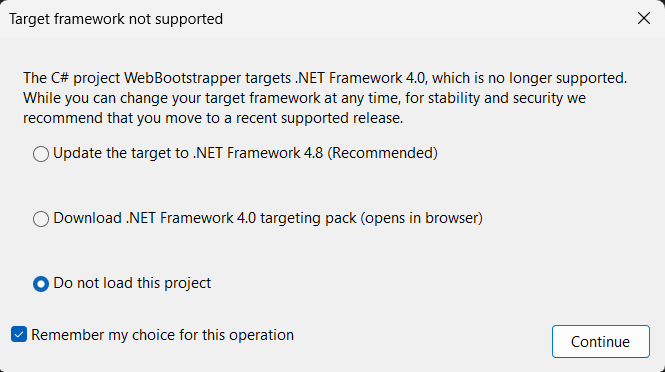
One day Visual Studio will remember my choice about this dialog. But today is not that day 😢
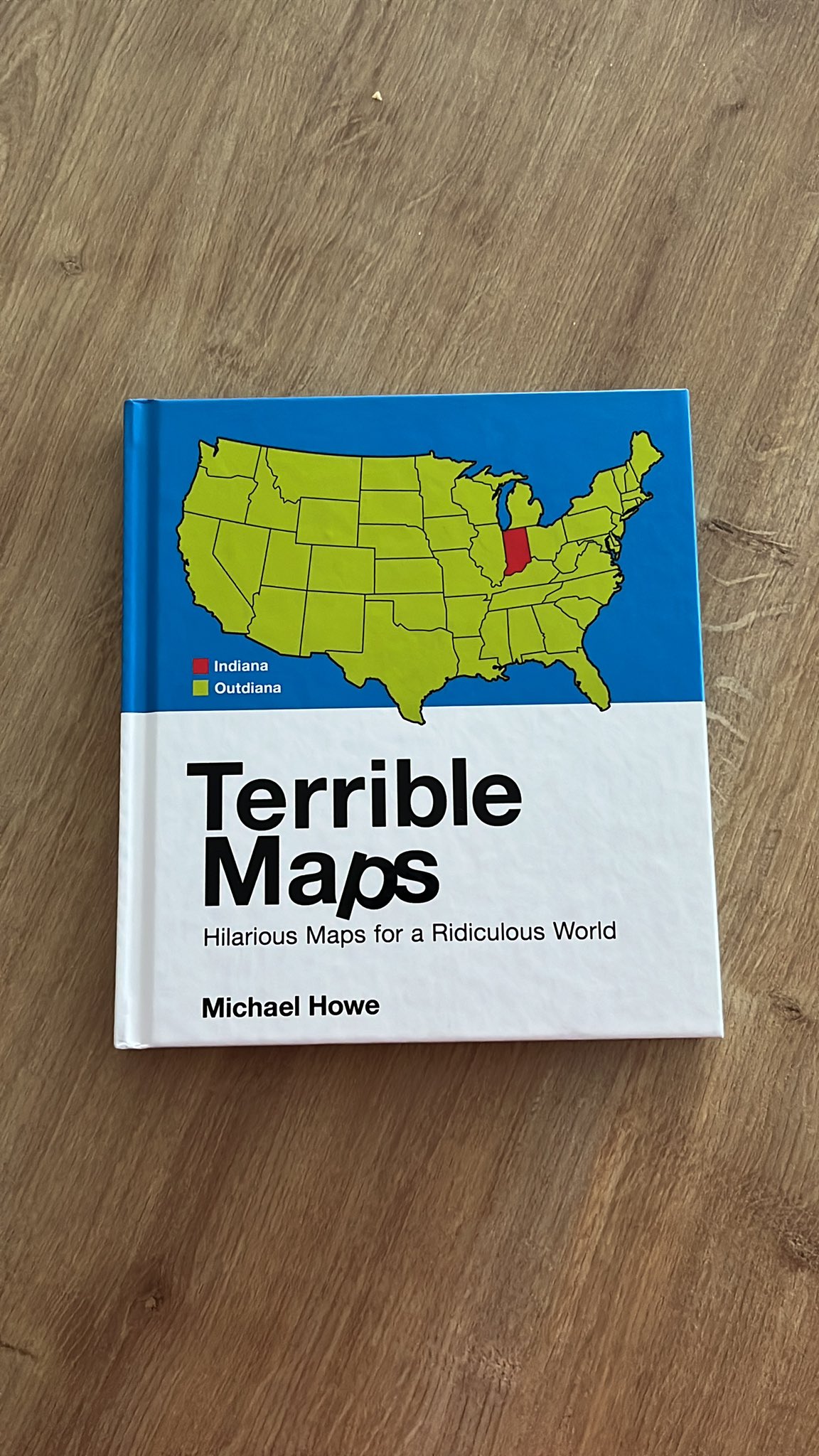
I got a terrible Christmas gift. No wonder it’s a month too late 😁
They like it 😃
Wasting mosquitoes on New year’s day 🤨🤨
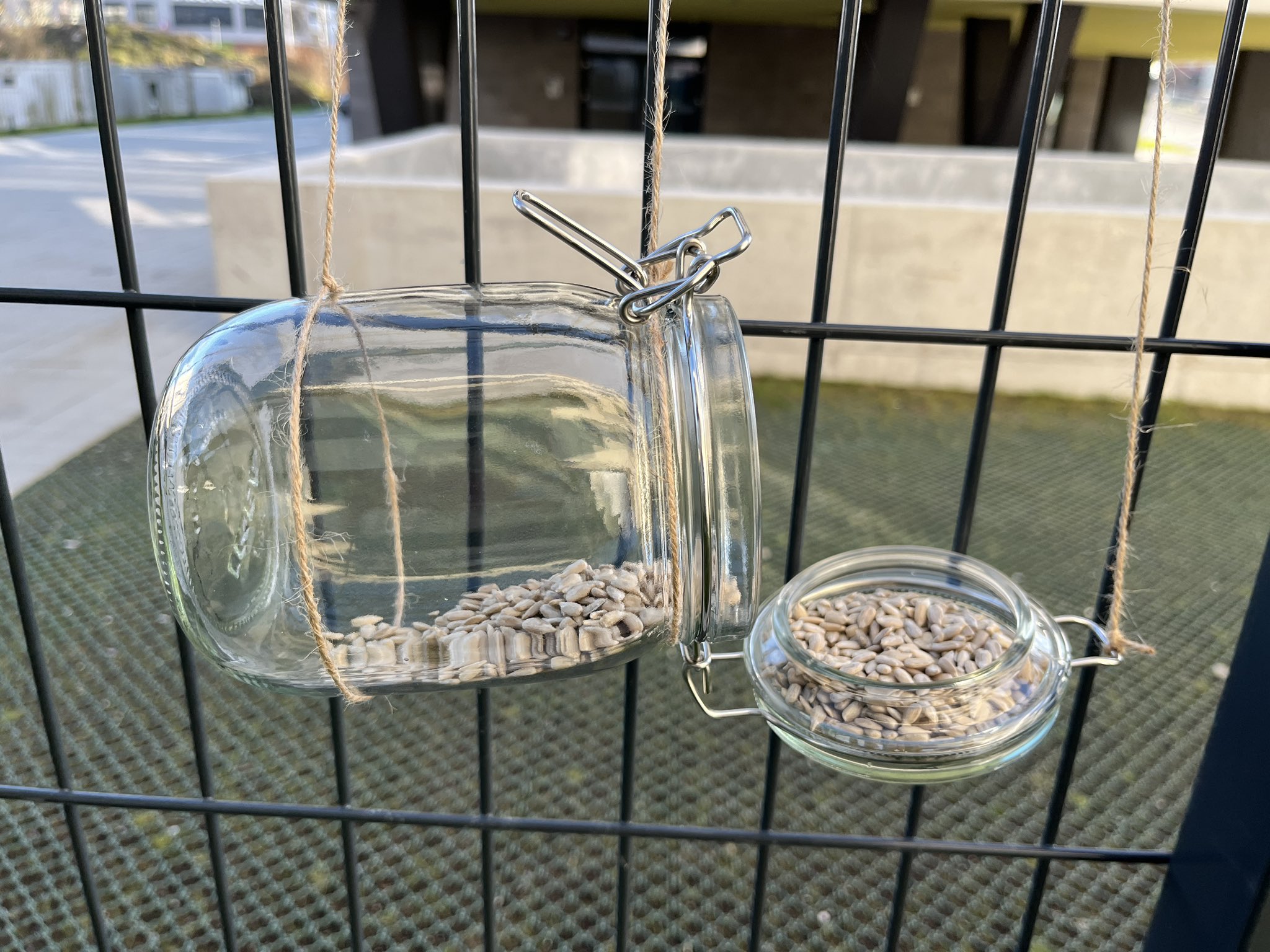
My birds feeder. Let’s see if they like it.
Wasting mosquitoes on Christmas day 🤨
Having iPhone automatically adding events from spam email I don’t even open #itjustworks
People wearing hats in a closed room. Even with cloudy weather outside. What’s the purpose?
Stop calling it “black Friday” when it lasts for a month and has nothing to do with that Friday.

“Designers” not using vector graphics 🫣
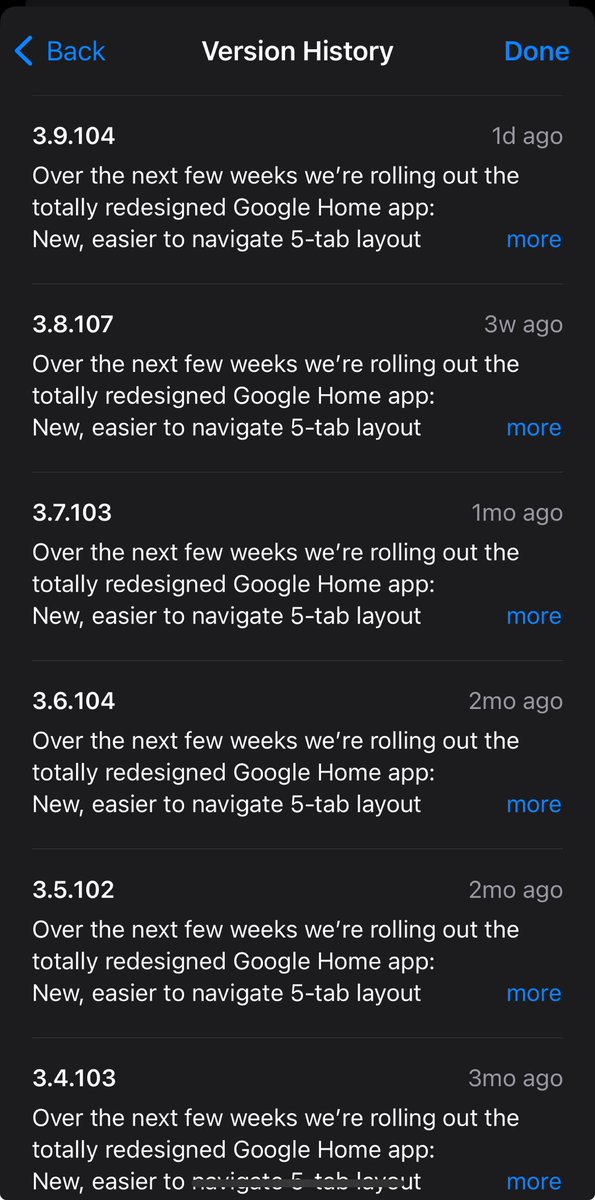
I hate it when they forget to update the changelog 😒
Today is the day when I’m closing all the open tabs in my Visual Studio editor.
Christmas decorations in the stores and I’m still in my flip flops 🤨
Good morning 2FA and Okta-sign-in-all-over-the-places hell.
Probably the first time after a major iOS update I didn’t notice a single change during my regular use of an iPhone.
Why do kids wake up earlier during weekend?
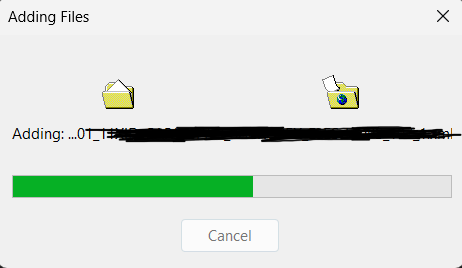
Isn’t it great that this file copy animation still exists in Windows 11?
My kid: Dad, when I grow up, you and me will live in a dormitory together.
Me: How many times we told you not to put random stuff in your mouth? My kid: Ninety!
My kid: “When my little brother grows up then he will be the one putting me to sleep.”
Pedestrians who bravely don’t even look when crossing the road will not have a good time in the era of electric vehicles 😕
Just received a feature request from one of my Windows Phone apps. I didn’t know these can run on a device anymore let alone someone is using them.
# Privacy Policy for WooHoo Last updated: 2026-02-09 Your privacy matters to us. WooHoo helps you track intimate moments securely while respecting your personal data protection. ## Information We Collect We collect two categories of information: 1. Information you provide: Data about your events, including dates, ratings, tags, moods, locations (only if you opt in), and duration 2. Usage data: Anonymous and aggregated data to help improve app performance ## How We Use Your Information We use your information to: - Provide and improve app features - Personalize your experience and display relevant insights - Enable optional features like public leaderboards (with your explicit consent) We never share your personal information with third parties without your consent. ## Public Leaderboards (Optional) WooHoo offers an optional public leaderboards feature that allows you to share your statistics with other users. This feature is completely opt-in and disabled by default. ### What Gets Shared When You Enable Leaderboards If you choose to enable leaderboards, the following aggregated statistics are made PUBLIC and visible to all users: - Your chosen username (not your real name) - Total number of events - Total duration (sum of all events) - Average rating - Frequency (events per week) - Date of first and last event - Average duration per event ### What NEVER Gets Shared When you use leaderboards, we never share: - Your personal information (email, name, device info, etc.) - Individual event details (specific dates, times, notes, moods) - Locations, tags, or any descriptive information - Any personally identifiable information - Raw event data ### How Leaderboards Work - You must explicitly enable leaderboards in Settings → Leaderboard Settings - You choose a public username (3-20 characters, alphanumeric and underscores only) - Your statistics are stored on Firebase Firestore (Google’s cloud database service) - Your data is identified by a unique anonymous user ID - Statistics automatically update when you add or modify events - You can change your username or disable leaderboards at any time from Settings ### Disabling Leaderboards You can disable leaderboards at any time from Settings → Leaderboard Settings. Disabling leaderboards will stop future updates to your public statistics. Note that previously uploaded data may remain in the database. ## Data Storage ### Local Storage All your personal event data is stored securely on your device. We do not have access to this data unless you explicitly opt in to features that require cloud storage. ### Cloud Storage (Optional) - HealthKit Sync (iOS only): If you enable HealthKit integration, event data is synced with Apple Health on your device - Leaderboards: If you enable leaderboards, aggregated statistics (not individual event details) are stored on Firebase Firestore and made publicly visible to other leaderboard participants ## Your Control You have complete control over your data: - You can delete your data anytime within the app - You can enable or disable optional features (HealthKit sync, leaderboards) at any time - You can export your data for backup purposes - Leaderboard participation is entirely optional and does not affect core app functionality ## Security We use industry-standard measures to protect your data from unauthorized access. Your local data is stored securely on your device using SQLite encryption where available. ## Third-Party Services When you opt in to leaderboards, we use: - Firebase Authentication: To generate a unique anonymous user ID - Firebase Firestore: To store and retrieve public leaderboard statistics - Firebase Crashlytics: To collect anonymous crash reports for improving app stability These services are provided by Google and are subject to [Google’s Privacy Policy](https://policies.google.com/privacy). ## Children’s Privacy WooHoo is intended for users 18 years of age and older. We do not knowingly collect information from anyone under 18. ## Changes to This Policy We may update this privacy policy from time to time. We will notify you of any significant changes by updating the “Last updated” date at the top of this policy. ## Contact Us If you have questions or concerns about this privacy policy or your data, please contact us at: - Email: [your-support-email@example.com] -– By using WooHoo, you agree to this privacy policy. If you do not agree with this policy, please do not use the app.
MoodBites — App Support MoodBites is an emotional eating tracker that helps you understand the connection between your mood, food choices, and hydration. Everything is stored privately on your device. What MoodBites Does Food Log — Log what you eat, when you eat it, the portion size, and how you were feeling. You can tag multiple moods per meal and add optional notes. Mood Check-ins — Record your mood at any time and optionally tag what triggered it (stress, boredom, hunger, celebration, etc.). Water Tracker — Track your daily water intake against a goal you set yourself. AI Advisor (Moo) — After logging at least 2 meals or mood entries, Moo analyses your last 7 days and gives you personalised insights. You can also chat with Moo about any specific meal or your eating patterns in general. Craving Support — When you feel an urge to eat emotionally, tap the red button. The app guides you through a short mindfulness moment and logs the event so you can spot patterns over time. Search — Search your entire history by food name, mood, notes, meal type, portion size, or trigger. Frequently Asked Questions Is my data stored online? No. All your logs (food, mood, water, cravings) are stored locally on your device using encrypted local storage. The only network activity is the AI Advisor, which sends your recent logs to Claude (by Anthropic) to generate insights. No account or sign-in is required. How do I edit or delete a logged entry? Tap any entry in the Food Log or Mood log to open it. From there you can edit all fields or delete the entry. The AI Advisor says I need more data — what should I do? Log at least 2 meals or mood check-ins and try again. The more consistently you log, the more accurate Moo’s insights will be. How do I set up meal or water reminders? Go to Settings → Meal Reminders or Water Reminders. You can add up to 8 reminders each, set custom times, and name them (e.g. “Afternoon snack”). Can I change the app language? Yes — go to Settings → Language and choose from the supported languages. How do I delete all my data? Your data is stored in the app’s local storage. Deleting the app from your device will remove all data permanently. Contact & Support If you have a question not covered here, found a bug, or have a feature suggestion, please reach out: Email: stipegrbic@hotmail.com We aim to respond within 2 business days. MoodBites is not a medical or clinical tool. It is designed to support self-awareness, not to diagnose or treat any condition. If you are struggling with eating-related concerns, please speak to a qualified healthcare professional.
🛠️ WooHoo App Support Welcome to the official support page for WooHoo – Your Private Intimacy Tracker. 💬 Contact Us Have a question, issue, or suggestion? We’re here to help! 📧 Email: stipegrbic@hotmail.com ⏱️ Response Time: Within 48 hours 🔒 Privacy Matters WooHoo was designed with your privacy at its core. Your data is stored locally on your device by default. You’re in full control of what you track and what stays private. 📖 Frequently Asked Questions Q: What kind of data does WooHoo track? A: You can choose to track events like mood, location, duration, protection used, orgasms, and more. Everything is optional and customizable. Q: Is my data shared or uploaded anywhere? A: No. All your data remains private and local unless you opt into cloud backup (coming soon). Q: I forgot my phone or deleted the app – can I recover my data? A: At the moment, WooHoo does not offer automatic backup. Please use the export feature regularly (available in settings). 📲 Need Help with the App? If you’re experiencing a bug or need help using a feature, please include: Your device model (e.g., iPhone 13) iOS version Steps to reproduce the issue Screenshots (if possible) We’re committed to continuously improving WooHoo for all users! Thank you for using WooHoo and making self-care fun and empowering 💖
MoodBites Privacy Policy Last updated: March 2026 Overview MoodBites is a personal wellness app designed to help you track your meals, water intake, and emotional state. Your privacy matters to us. This policy explains how we handle your data. Data We Collect MoodBites collects only the data you directly enter into the app: Food log entries (meal name, meal type, mood, portion size, notes, date and time) Mood check-in entries (mood, trigger, notes, date and time) Water intake entries (amount, date and time) App settings (your name, daily water goal, reminder preferences) Where Your Data Is Stored All data you enter is stored exclusively on your device using local storage. We do not operate servers, databases, or cloud services. Your data never leaves your device and is not transmitted anywhere. Data Sharing We do not share, sell, rent, or transfer your personal data to any third party, ever. There are no analytics services, advertising networks, or tracking tools in this app. Notifications If you enable reminders, the app schedules local notifications on your device. These notifications are generated entirely on-device and do not involve any network communication. Data Deletion You can delete individual entries at any time within the app. Uninstalling the app will permanently delete all stored data from your device. Children This app is not directed at children under 13. We do not knowingly collect data from children. Changes to This Policy If this policy changes in a future update, we will note the updated date at the top of this document. Contact If you have questions about this privacy policy, contact: stipegrbic@hotmail.com
1 2 3 4 5 6 7 8 9 10 11 12 13 14 15 16 17 18 19 20 21 22 23 24 25 26 27 28 29 30 31 32 33 34 35 36 37 38 39 40 41 42 43 44 45 46 47 48 49 50 51 52 Updated Privacy Policy Effective date: March 7, 2026 · Version 1.1 1. Who We Are LittleMedic is developed by Stipe Grbić and designed to help parents and caregivers track children's health information including illnesses, medications, and medical appointments. 2. Data We Collect Local storage (all users) The app stores on your device: Children's names, birthdates, and profile information Illness records (symptoms, dates, notes) Medication records (name, dosage, schedule, linked illnesses) Medical appointment records (type, date, time, clinic, doctor, notes) Medication administration logs iCloud Sync (Premium, optional) When enabled, the above data is backed up to your personal iCloud account. The developer has no access to your iCloud data. Family Sync (Premium, optional) When you choose to join or create a Family Sync group, the above health data is transmitted to and stored on Supabase-hosted servers (hosted on AWS infrastructure) for the purpose of sharing data with other members of your group. The following applies: Data is only uploaded when you explicitly enable Family Sync Data is accessible only to members of your family group You can leave a group or delete all synced data at any time via Settings → Family Sync → Delete Account Supabase's privacy policy applies to the infrastructure layer: supabase.com/privacy 3. Data We Do NOT Collect We do not collect analytics, crash reports, usage statistics, use advertising SDKs or tracking libraries, require sign-in for core functionality, or access contacts, camera (beyond photo attachment), microphone, or location. Family Sync does not require or store an email address or real name — only a group code you choose. 4. Notifications Notifications operate locally via the operating system's APIs with no server transmission required. 5. Data Export and Import Users control backup file creation and storage location. The app does not automatically upload files unless Family Sync or iCloud Sync is explicitly enabled. 6. Children's Privacy The app targets parents and caregivers, not children. No data about children is shared with third parties. Family Sync data is shared only with other members of the family group you create or join. 7. Data Security All local data is protected by device security. Family Sync data in transit is encrypted via HTTPS/TLS. Data at rest on Supabase servers is encrypted. The developer does not have access to your synced data. 8. Data Deletion You can delete individual records at any time. Uninstalling the app permanently deletes all local data. If you use Family Sync, you must delete your sync account via Settings → Family Sync → Delete Account before uninstalling to remove your data from the server. 9. Third-Party Services Supabase (Family Sync only): cloud database infrastructure. Data is stored only when you opt into Family Sync. Apple iCloud (iCloud Sync only): personal cloud backup. Governed by Apple's privacy policy. App stores may collect download and crash data independently of this app. 10. Changes to This Policy Updates will be reflected with a new effective date published at the same URL. 11. Contact stipegrbic@hotmail.com
Updated EULA / Terms of Use Last Updated: March 2026 · Version 1.1 1. Agreement By downloading or installing LittleMedic you accept these terms. This agreement is between you and Stipe Grbić, not Apple Inc. or Google LLC. 2. License Grant Licensor grants you a limited, non-exclusive, non-transferable, revocable license to use LittleMedic on devices you own or control, subject to the applicable platform’s terms. 3. Restrictions You may not copy, modify, reverse engineer, rent, sublicense, or use the app in any unlawful manner. 4. In-App Purchases & Subscriptions Premium features are available via monthly, annual, or lifetime purchase. Subscriptions auto-renew unless cancelled at least 24 hours before the renewal date. No refunds are provided for unused portions of a subscription period except where required by law. 5. Health Disclaimer LittleMedic provides organisational and informational tools only, not medical advice. Always consult a licensed healthcare professional for medical decisions. The app is not a medical device. 6. Data & Privacy Local data remains on your device and is never accessed by the developer. iCloud Sync (Premium) stores data in your personal iCloud account only. The developer has no access. Family Sync (Premium) is an optional feature that transmits your health records (medications, appointments, illnesses, children profiles) to a cloud server (Supabase) in order to share them with members of a family group you create or join. By enabling Family Sync you acknowledge: Data will leave your device and be stored on third-party infrastructure Other members of your group will have read access to the shared data You are responsible for who you invite to your group You can delete all server-side data at any time via Settings → Family Sync → Delete Account 7. Intellectual Property All rights, title, and interest in LittleMedic remain with Stipe Grbić. 8. Warranty Disclaimer The app is provided “as is” without warranties of any kind. 9. Limitation of Liability To the maximum extent permitted by law, Stipe Grbić is not liable for any indirect, incidental, or consequential damages arising from your use of the app. 10. Termination This license terminates automatically if you breach these terms. Upon termination you must stop using and delete the app. 11. Governing Law These terms are governed by the laws of Croatia. 12. Contact stipegrbic@hotmail.com
Terms & Conditions These terms and conditions apply to the InCharge app (hereby referred to as “Application”) for mobile devices that was created by Stipe Grbić (hereby referred to as “Service Provider”) as a Freemium service. Upon downloading or utilizing the Application, you are automatically agreeing to the following terms. It is strongly advised that you thoroughly read and understand these terms prior to using the Application. Unauthorized copying, modification of the Application, any part of the Application, or our trademarks is strictly prohibited. Any attempts to extract the source code of the Application, translate the Application into other languages, or create derivative versions are not permitted. All trademarks, copyrights, database rights, and other intellectual property rights related to the Application remain the property of the Service Provider. The Service Provider is dedicated to ensuring that the Application is as beneficial and efficient as possible. As such, they reserve the right to modify the Application or charge for their services at any time and for any reason. The Service Provider assures you that any charges for the Application or its services will be clearly communicated to you. The Application stores and processes personal data that you have provided to the Service Provider in order to provide the Service. It is your responsibility to maintain the security of your phone and access to the Application. The Service Provider strongly advise against jailbreaking or rooting your phone, which involves removing software restrictions and limitations imposed by the official operating system of your device. Such actions could expose your phone to malware, viruses, malicious programs, compromise your phone’s security features, and may result in the Application not functioning correctly or at all. Please be aware that the Service Provider does not assume responsibility for certain aspects. Some functions of the Application require an active internet connection, which can be Wi-Fi or provided by your mobile network provider. The Service Provider cannot be held responsible if the Application does not function at full capacity due to lack of access to Wi-Fi or if you have exhausted your data allowance. If you are using the application outside of a Wi-Fi area, please be aware that your mobile network provider’s agreement terms still apply. Consequently, you may incur charges from your mobile provider for data usage during the connection to the application, or other third-party charges. By using the application, you accept responsibility for any such charges, including roaming data charges if you use the application outside of your home territory (i.e., region or country) without disabling data roaming. If you are not the bill payer for the device on which you are using the application, they assume that you have obtained permission from the bill payer. Similarly, the Service Provider cannot always assume responsibility for your usage of the application. For instance, it is your responsibility to ensure that your device remains charged. If your device runs out of battery and you are unable to access the Service, the Service Provider cannot be held responsible. In terms of the Service Provider’s responsibility for your use of the application, it is important to note that while they strive to ensure that it is updated and accurate at all times, they do rely on third parties to provide information to them so that they can make it available to you. The Service Provider accepts no liability for any loss, direct or indirect, that you experience as a result of relying entirely on this functionality of the application. The Service Provider may wish to update the application at some point. The application is currently available as per the requirements for the operating system (and for any additional systems they decide to extend the availability of the application to) may change, and you will need to download the updates if you want to continue using the application. The Service Provider does not guarantee that it will always update the application so that it is relevant to you and/or compatible with the particular operating system version installed on your device. However, you agree to always accept updates to the application when offered to you. The Service Provider may also wish to cease providing the application and may terminate its use at any time without providing termination notice to you. Unless they inform you otherwise, upon any termination, (a) the rights and licenses granted to you in these terms will end; (b) you must cease using the application, and (if necessary) delete it from your device. Changes to These Terms and Conditions The Service Provider may periodically update their Terms and Conditions. Therefore, you are advised to review this page regularly for any changes. The Service Provider will notify you of any changes by posting the new Terms and Conditions on this page. These terms and conditions are effective as of 2026-02-24 Contact Us If you have any questions or suggestions about the Terms and Conditions, please do not hesitate to contact the Service Provider at stipegrbic@hotmail.com.
Terms & Conditions These terms and conditions apply to the InCharge app (hereby referred to as “Application”) for mobile devices that was created by Stipe Grbić (hereby referred to as “Service Provider”) as a Freemium service. Upon downloading or utilizing the Application, you are automatically agreeing to the following terms. It is strongly advised that you thoroughly read and understand these terms prior to using the Application. Unauthorized copying, modification of the Application, any part of the Application, or our trademarks is strictly prohibited. Any attempts to extract the source code of the Application, translate the Application into other languages, or create derivative versions are not permitted. All trademarks, copyrights, database rights, and other intellectual property rights related to the Application remain the property of the Service Provider. The Service Provider is dedicated to ensuring that the Application is as beneficial and efficient as possible. As such, they reserve the right to modify the Application or charge for their services at any time and for any reason. The Service Provider assures you that any charges for the Application or its services will be clearly communicated to you. The Application stores and processes personal data that you have provided to the Service Provider in order to provide the Service. It is your responsibility to maintain the security of your phone and access to the Application. The Service Provider strongly advise against jailbreaking or rooting your phone, which involves removing software restrictions and limitations imposed by the official operating system of your device. Such actions could expose your phone to malware, viruses, malicious programs, compromise your phone’s security features, and may result in the Application not functioning correctly or at all. Please be aware that the Service Provider does not assume responsibility for certain aspects. Some functions of the Application require an active internet connection, which can be Wi-Fi or provided by your mobile network provider. The Service Provider cannot be held responsible if the Application does not function at full capacity due to lack of access to Wi-Fi or if you have exhausted your data allowance. If you are using the application outside of a Wi-Fi area, please be aware that your mobile network provider’s agreement terms still apply. Consequently, you may incur charges from your mobile provider for data usage during the connection to the application, or other third-party charges. By using the application, you accept responsibility for any such charges, including roaming data charges if you use the application outside of your home territory (i.e., region or country) without disabling data roaming. If you are not the bill payer for the device on which you are using the application, they assume that you have obtained permission from the bill payer. Similarly, the Service Provider cannot always assume responsibility for your usage of the application. For instance, it is your responsibility to ensure that your device remains charged. If your device runs out of battery and you are unable to access the Service, the Service Provider cannot be held responsible. In terms of the Service Provider’s responsibility for your use of the application, it is important to note that while they strive to ensure that it is updated and accurate at all times, they do rely on third parties to provide information to them so that they can make it available to you. The Service Provider accepts no liability for any loss, direct or indirect, that you experience as a result of relying entirely on this functionality of the application. The Service Provider may wish to update the application at some point. The application is currently available as per the requirements for the operating system (and for any additional systems they decide to extend the availability of the application to) may change, and you will need to download the updates if you want to continue using the application. The Service Provider does not guarantee that it will always update the application so that it is relevant to you and/or compatible with the particular operating system version installed on your device. However, you agree to always accept updates to the application when offered to you. The Service Provider may also wish to cease providing the application and may terminate its use at any time without providing termination notice to you. Unless they inform you otherwise, upon any termination, (a) the rights and licenses granted to you in these terms will end; (b) you must cease using the application, and (if necessary) delete it from your device. Changes to These Terms and Conditions The Service Provider may periodically update their Terms and Conditions. Therefore, you are advised to review this page regularly for any changes. The Service Provider will notify you of any changes by posting the new Terms and Conditions on this page. These terms and conditions are effective as of 2026-02-24 Contact Us If you have any questions or suggestions about the Terms and Conditions, please do not hesitate to contact the Service Provider at stipegrbic@hotmail.com.
Privacy Policy Effective date: February 18, 2026 InCharge (“we”, “our”, or “us”) operates the InCharge mobile application (the “App”). Your privacy is important to us. This Privacy Policy explains how we collect, use, and protect your information. 1. Information We Collect Information You Provide InCharge allows you to create and manage responsibilities, categories, and reminders. All content you enter into the app (such as titles, descriptions, and dates) is stored locally on your device. We do not require account creation. We do not collect personal identity information such as your name, address, or phone number. Subscription Information If you purchase a subscription or lifetime upgrade, payments are processed securely by Apple App Store or Google Play. We do not receive or store your payment details. We only receive confirmation of your subscription status. Analytics (If Applicable) InCharge may use privacy-friendly analytics tools to understand general usage patterns (such as feature usage or crashes). This information: Does not personally identify you Is used only to improve the app experience If analytics are not used, you can remove this section. 2. How Your Data Is Stored All responsibility data is stored locally on your device. If cloud backup or synchronization features are introduced in the future, this Privacy Policy will be updated accordingly. 3. How We Use Information We use limited information to: Provide and maintain app functionality Improve performance and reliability Respond to support requests We do not sell your data. We do not share your data with third parties for advertising purposes. 4. Data Security We take reasonable measures to protect your information. However, no method of electronic storage is 100% secure. You are responsible for securing access to your device. 5. Your Rights Depending on your location, you may have rights under applicable privacy laws, including: The right to request information about your data The right to request deletion of data The right to withdraw consent Since most data is stored locally on your device, you can delete it at any time by uninstalling the app. For any privacy-related requests, contact us at: 📧 stipegrbic@hotmail.com 6. Children’s Privacy InCharge is not directed to children under the age of 13. We do not knowingly collect personal information from children. 7. Changes to This Policy We may update this Privacy Policy from time to time. Changes will be reflected by updating the effective date above. 8. Contact If you have any questions about this Privacy Policy, please contact: 📧 stipegrbic@hotmail.com
LittleMedic Support We’re here to help. Find answers below or get in touch. ──────────────────────────────────────── FREQUENTLY ASKED QUESTIONS ──────────────────────────────────────── Is my data private and secure? All data is stored exclusively on your device using a local database. Nothing is ever sent to any server, cloud service, or third party. Not even the developer can access your data. How do I add a second child? Go to the Profile tab and tap “Add child”. You can switch the active child at any time using the child selector at the top of the screen. My notifications are not arriving. What should I check? Make sure notifications are enabled for LittleMedic in your device’s Settings → Notifications. You can also check the notification status inside the app under Profile → Notifications. On Android, ensure battery optimization is not blocking background processes. How do I back up my data? Go to Profile → Backup / Export. This creates a JSON file you can save to iCloud Drive, Google Drive, or anywhere on your device. To restore, use Profile → Import / Restore and select the backup file. What happens to my data if I uninstall the app? Uninstalling the app permanently deletes all local data. We strongly recommend using the Backup / Export feature before uninstalling. We do not have a copy of your data and cannot restore it. Can I link a medication to an illness? Yes. When adding or editing a medication, you can select a linked illness from the list. Linked medications also appear directly on the illness detail screen. How far in advance are medication reminders scheduled? For long-term medications, reminders are scheduled 90 days in advance on a rolling basis. For short-term medications, reminders are scheduled through the end date. Reminders are rescheduled automatically when you edit a medication. The app is in English. Will other languages be supported? Additional languages are planned for a future update. If you’d like to help translate, please reach out via the contact email below. ──────────────────────────────────────── CONTACT ──────────────────────────────────────── Email Support: stipegrbic@hotmail.com Feedback & Bug Reports: stipegrbic@hotmail.com ──────────────────────────────────────── © 2026 LittleMedic
InCharge Support We’re here to help Thank you for using InCharge. Our mission is simple: help you stay on top of your life with clarity, calm, and control. If you have any questions, run into an issue, or need assistance with the app, we’re here for you. Contact For any support requests, subscription questions, feedback, or privacy-related inquiries, please contact: 📧 stipegrbic@hotmail.com We usually respond within 24–48 hours on business days. To help us resolve your issue faster, please include: Your device model (e.g., iPhone 15, Samsung Galaxy S24) Your operating system version (iOS / Android) A brief description of the issue Screenshots if relevant Subscriptions & Billing All payments and subscriptions are managed directly by Apple App Store or Google Play. If you need to cancel or manage your subscription, you can do so in your App Store or Google Play account settings. If anything seems unclear, feel free to reach out. Feedback InCharge is constantly evolving. If you have ideas, suggestions, or improvements you’d like to see, we’d love to hear from you. Thank you for being part of InCharge. Stay focused. Stay calm. Stay in charge. App icon is from https://www.flaticon.com/free-icons/bolt
PackMate – Privacy Policy Last updated: March 2026 PackMate is designed with your privacy in mind. This policy explains what data we collect and how we use it. WHAT WE COLLECT • Trip data you create (destinations, items, checklists) stored locally on your device. • If you use Share Trip, your trip data is uploaded to Firebase Firestore so a travel partner can join via a 6-character code. • We use anonymous Firebase Authentication — no account, email, or name is required. • We do not collect your name, email, location, or any personally identifiable information. HOW WE USE YOUR DATA • Your trips are stored locally and are not shared with anyone unless you explicitly use the Share Trip feature. • Shared trip data in Firestore is identified only by a random 6-character code. • We do not sell or share your data with third parties. NOTIFICATIONS If you enable reminders, we use local notifications scheduled on your device. No notification data leaves your device. ANALYTICS We do not use any third-party analytics or advertising SDKs. DATA DELETION You can delete any trip inside the app at any time. Deleting the app removes all locally stored data. Shared trip data in Firestore is automatically removed after 30 days of inactivity. CONTACT For privacy questions or data deletion requests, contact us at: stipegrbic@hotmail.com
DriveCost – Support Contact For help or feedback, email: stipegrbic@hotmail.com We respond within 1–2 business days. Frequently Asked Questions How do I add a car? Open the Cars tab and tap “Add Car”. Fill in the make, model, year, current mileage, and fuel type. How is the monthly cost calculated? DriveCost adds all your fuel, expense, and service entries and divides by the number of months since your first entry. The more you log, the more accurate it gets. How is fuel consumption calculated? Based on consecutive fill-ups. You need at least two fuel entries with mileage recorded for consumption to appear. Is my data backed up? All data is stored locally on your device. We recommend using iCloud device backups to protect your data. A cloud sync feature is planned for a future update. How do I delete an entry? Swipe left on any entry in the History screen to delete it. How do I delete a car? Open the Cars tab, tap the car, then tap the delete icon in the top right. This will permanently delete the car and all its records. Can I use DriveCost for multiple cars? Yes. Add as many cars as you need from the Cars tab. Privacy DriveCost does not collect, transmit, or share any personal data. All information stays on your device.
Privacy Policy Last updated: March 26, 2026 Overview DriveCost (“the app”) is a personal car expense tracker. This privacy policy explains what data the app handles and how. The short version: the app collects nothing. All your data stays on your device. Data Collection DriveCost does not collect, store, transmit, or share any personal data. The app has no analytics, no tracking, no advertising, and no backend server. Data Storage All data you enter — cars, fuel entries, expenses, service records — is stored locally on your device using a private SQLite database. This data is never sent anywhere. iCloud and Backups DriveCost does not use iCloud or any cloud sync service. If your device is backed up to iCloud or iTunes, your app data may be included in that device backup. That backup is controlled entirely by you and Apple, not by us. Camera and Photo Library If you choose to add a photo to a car, the app requests access to your camera or photo library. Photos are stored locally on your device only and are never uploaded or shared. Third-Party Services DriveCost does not integrate with any third-party analytics, advertising, or data services. Children DriveCost does not knowingly collect data from anyone, including children under 13. Changes to This Policy If this policy changes in a future version, the updated policy will be posted here with a revised date. Contact Questions about this privacy policy? Email: stipegrbic@hotmail.com
PackMate Support Thanks for using PackMate. If you have a question or run into an issue, you’ll find answers to the most common topics below. Frequently Asked Questions How do I create a packing list? Tap the plus button on the My Trips screen, choose your destination type, trip length, and who’s traveling. PackMate will generate a personalized list for you automatically. Can I describe my trip instead of filling in the options? Yes. On the first step of trip creation, tap “Describe with AI” and type a short description of your trip. PackMate will build a custom list based on what you write. How do I share my packing list with someone? Open your trip, tap the share icon, and send the generated code or link to your travel partner. They can join instantly — no account needed. Can I add or remove items from the list? Yes. Every list is fully editable. Tap the plus icon to add a custom item to any category, or swipe left on any item to remove it. How do I set a packing reminder? When creating a trip, scroll to the Reminders section on the final step and tap Add. You can set as many reminders as you like at any date and time before your departure. My reminder didn’t go off. What happened? Make sure notifications are enabled for PackMate in your iPhone Settings. Also check that the reminder was set for a future time when you created it. Does PackMate work without an internet connection? Yes. Your trips are stored locally on your device and are fully accessible offline. An internet connection is only needed for AI-generated lists and the trip sharing feature. How do I delete a trip? On the My Trips screen, swipe left on any trip and tap Delete. This permanently removes the trip and any shared data associated with it. How do I export my packing list? Open your trip list, tap the menu icon in the top right, and select Export backup. Your trips will be saved as a JSON file that you can store or share. Is my data private? Yes. PackMate does not collect your name, email, or any personal information. Your trips are stored on your device only. If you use the Share Trip feature, trip data is temporarily stored in the cloud and automatically deleted after 30 days of inactivity. Contact If you have a question not covered here, found a bug, or want to request a feature, please reach out. We read every message and do our best to respond promptly. Email: stipegrbic@hotmail.com Privacy Policy Read our full privacy policy at [https://stipe.xyz/thoughts/2026-03-25-packy-privacy-policy].
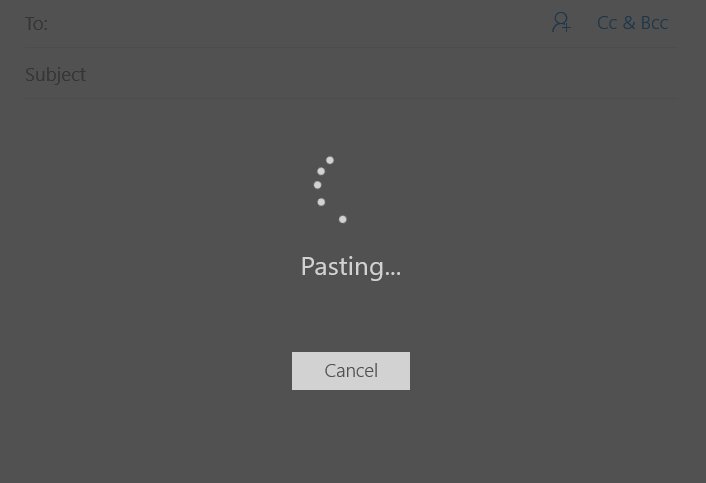
Windows 10 Mail app - where one word text paste takes a few seconds.
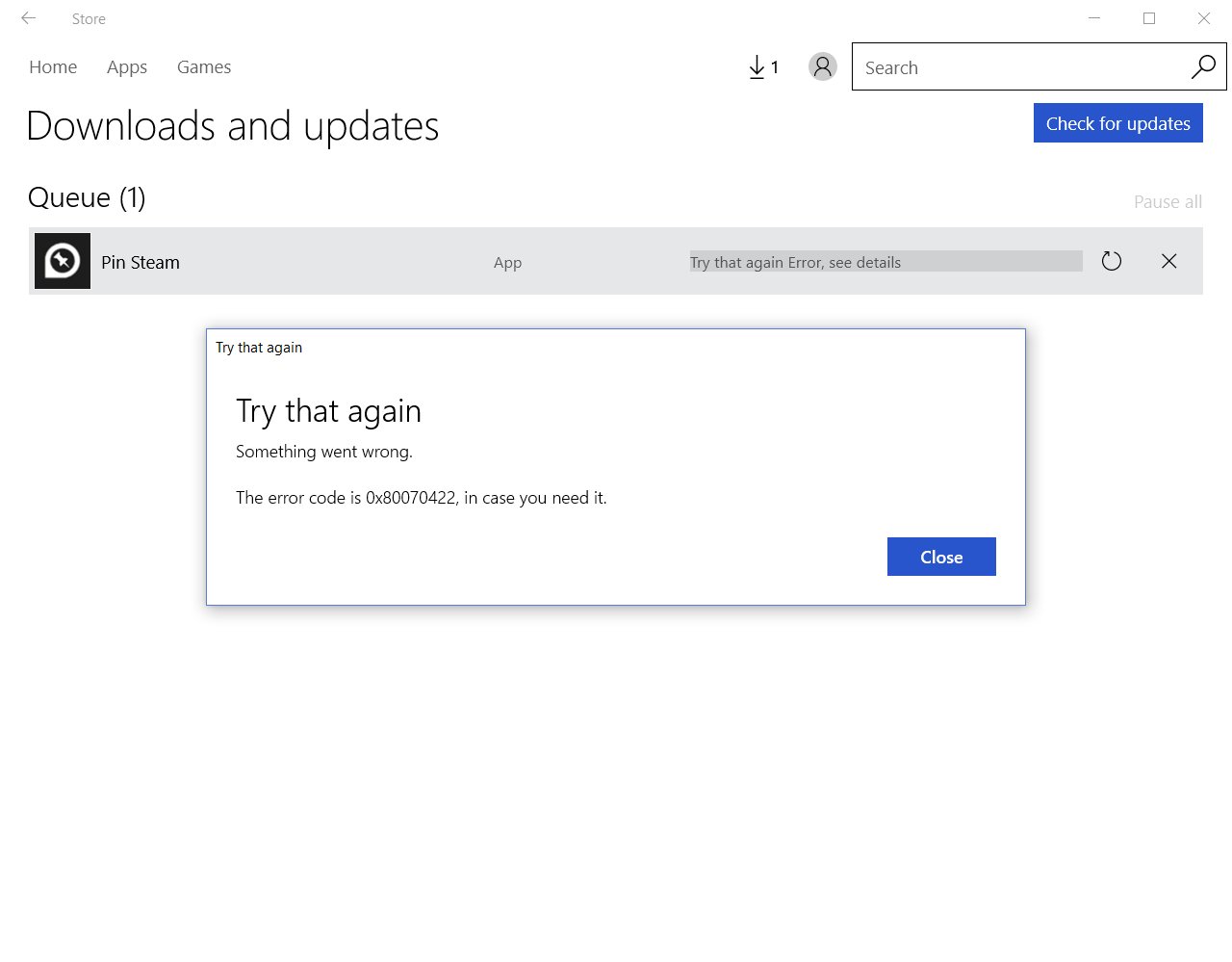
Tried to install an app through @windowsstore after a while. It’s still bad as always 😢
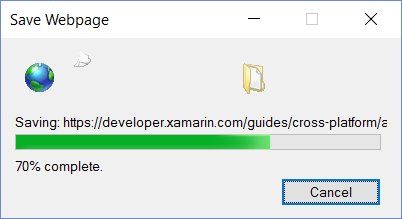
Wow, such a retro animation. For a moment I thought it’s 1999, but no this is IE11 on Windows 10 in 2016. #modern
Migrated two apps from @ParseIt today. Bad weather makes a productive Sunday.
@MicrosoftEdge All search queries with a dot misinterprets as URLs, then shows page not found. Yes, it’s year 2016.
When a few days of proof of concept work finally works. And it’s Friday! Great start of a weekend 😎
Wow, never expected this to happen. What a pleasant surprise :) Microsoft improves Environment Variables editor in latest Windows 10 build - gHacks Tech News
To anyone who didn’t update the app yet. Beware of the latest update. #wpdev

The updated #vs2015 icon looks like a work in progress
Is it just me or is it normal that “Updates were installed” notification doesn’t react on click? #Windows10
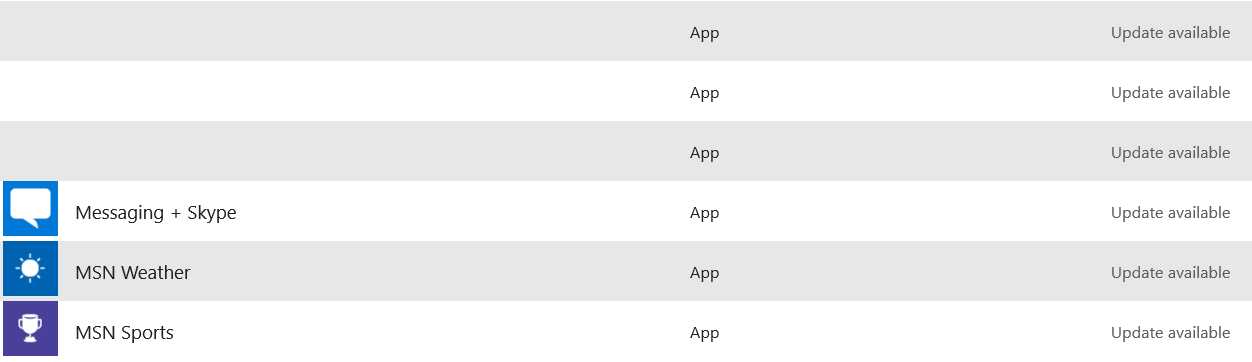
I see this “minor” store bug didn’t get fixed.
The #Windows10 fall update should have been named fail update.
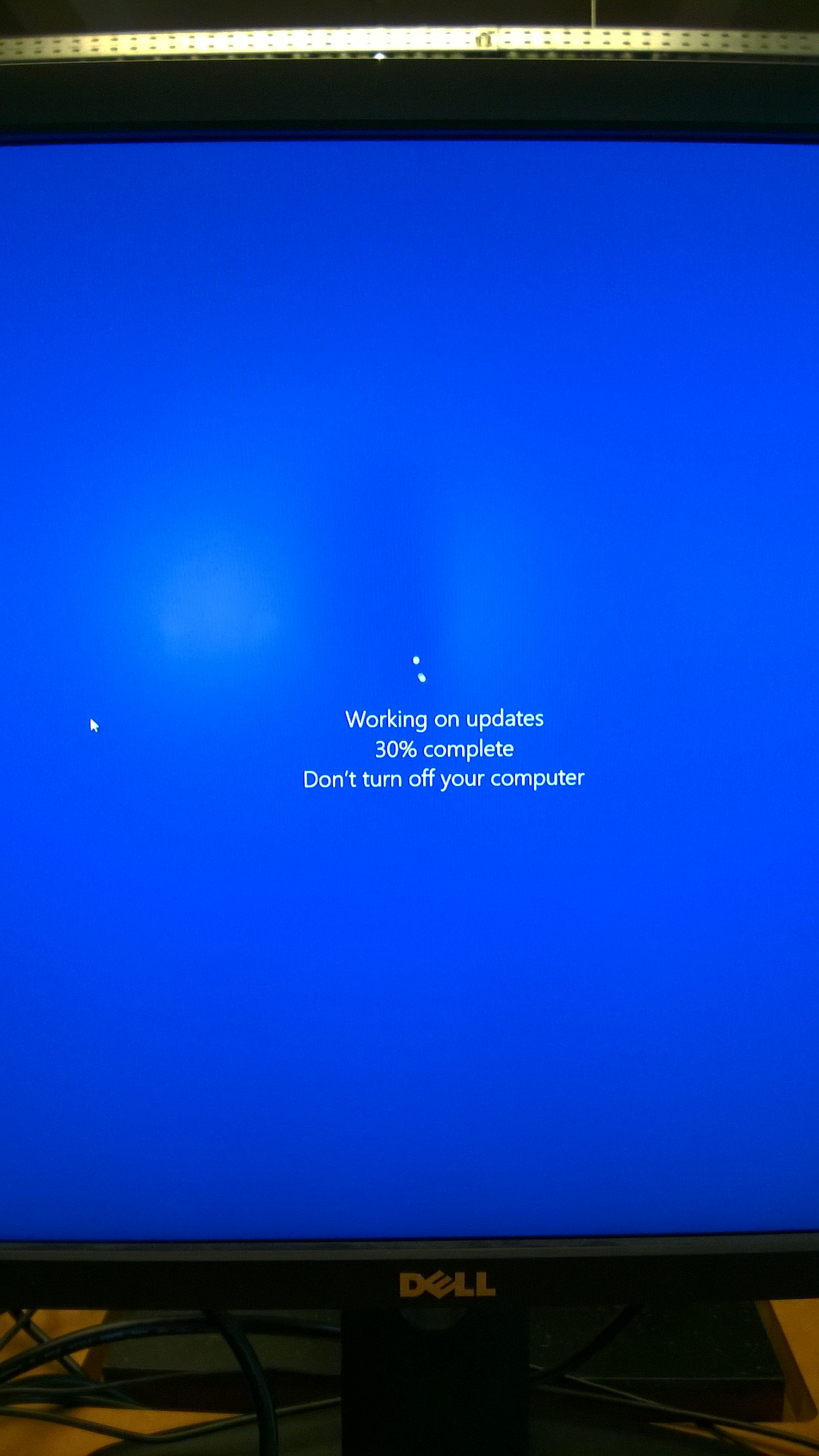
I see this as a new type of BSoD. It lets you save your work, but it happens regularly.
The amount of bloatware on a new @lenovo notebook is fascinating. Especially the “start menu” “app”.
Finally solved a bug I’ve been working on for three days. And it’s Friday! 💃
It’s better to have no network connection than slow network connection.
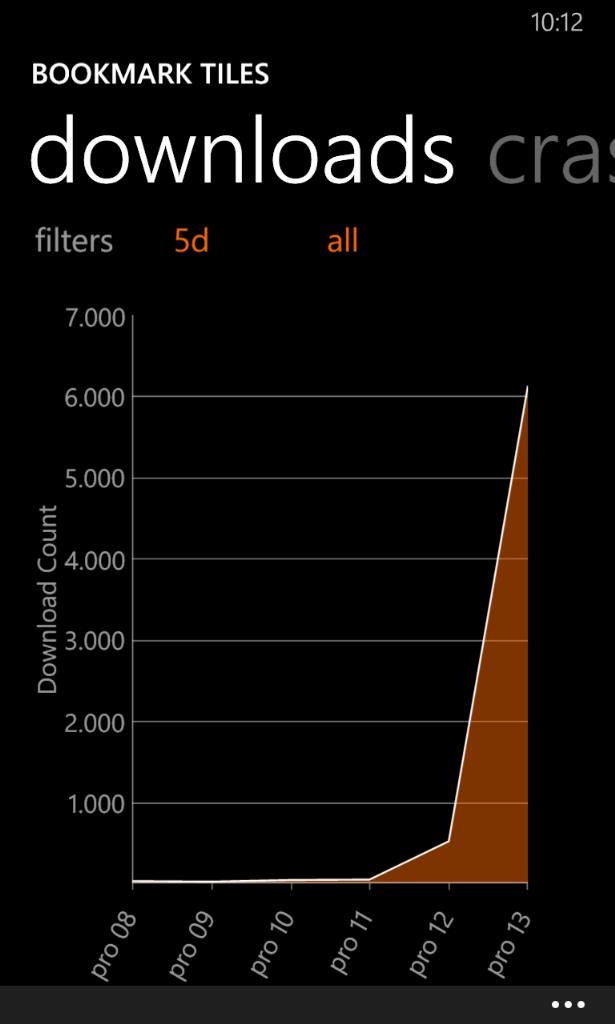
Impact of @myAppFree promotion on app downloads + a lot of positive user reviews.
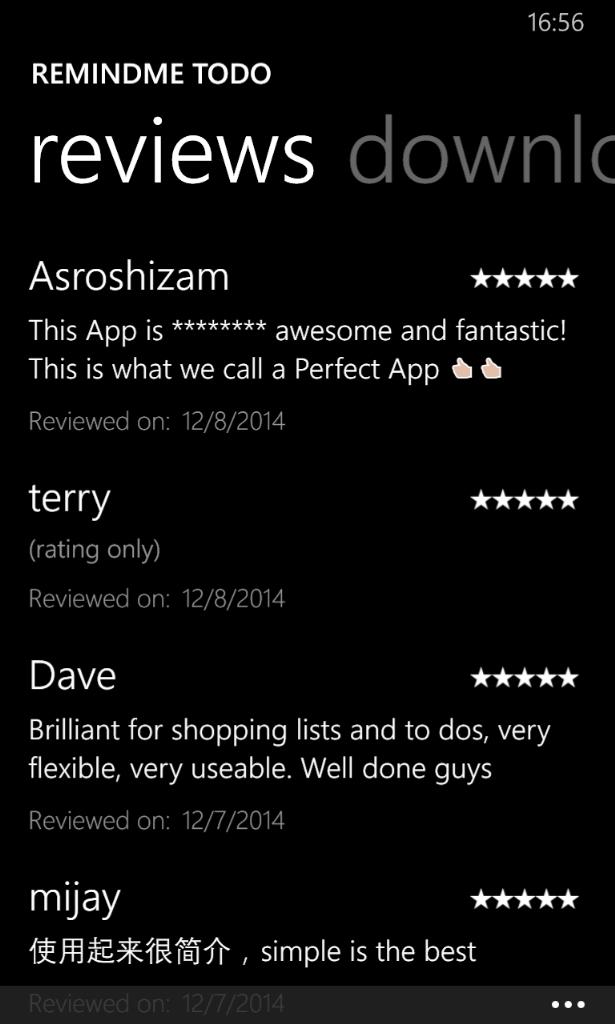
Just bragging :) @dvlup #wpdev
I just ordered my free #xamarin #sharpshirt and you can, too!
End of an era: for the first time in GSMArena’s history, Nokia’s brand no longer occupies the top spot on the navigation column on the left.
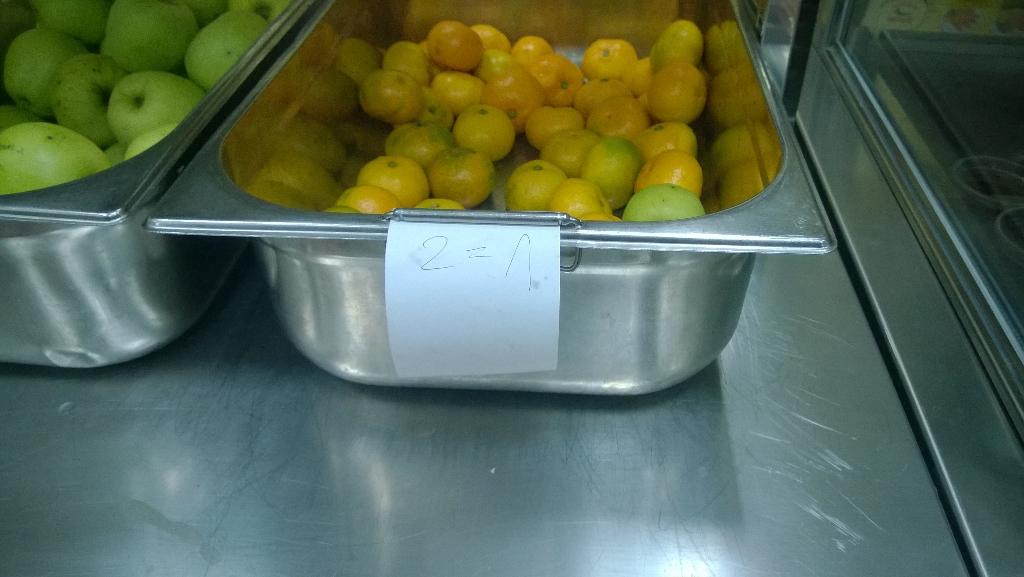
Well, I think this ruins the whole concept of math
Couldn’t agree more: The new OneDrive for Windows Phone app looks like crap
A friend of mine told me her @windowsphone screen messes up when she types “hahahaha…”. She had screen magnifier turned on :)
Is there anybody else missing crash reports for Windows Phone 8.1 RT app? Dev Center says no crashes which unfortunately is a lie. #wpdev

The largest #BSoD I’ve ever seen
I can’t really decide between Start menu and Start screen on #windows10
Anyone interested in a 5$ Windows Store gift card? Try my new game and you could win https://www.microsoft.com/hr-hr/p/quarto/9wzdncrdg239?rtc=1&activetab=pivot:overviewtab RT pls @dvlup @wpcentral #wpdev
Just reset my #windowsphone and got surprised how it went simple, fast and restored even more of my data than I expected.
Just a beautiful sunset
USB has only two sides, right? Because I’m often able to plug it in only on third attempt.
My new @windowsphone game is now in the store https://www.microsoft.com/hr-hr/p/quarto/9wzdncrdg239?rtc=1&activetab=pivot:overviewtab Windows version coming soon. @dvlup
I never actually needed folders on @windowsphone, but Live Folders are so nice I might create a few
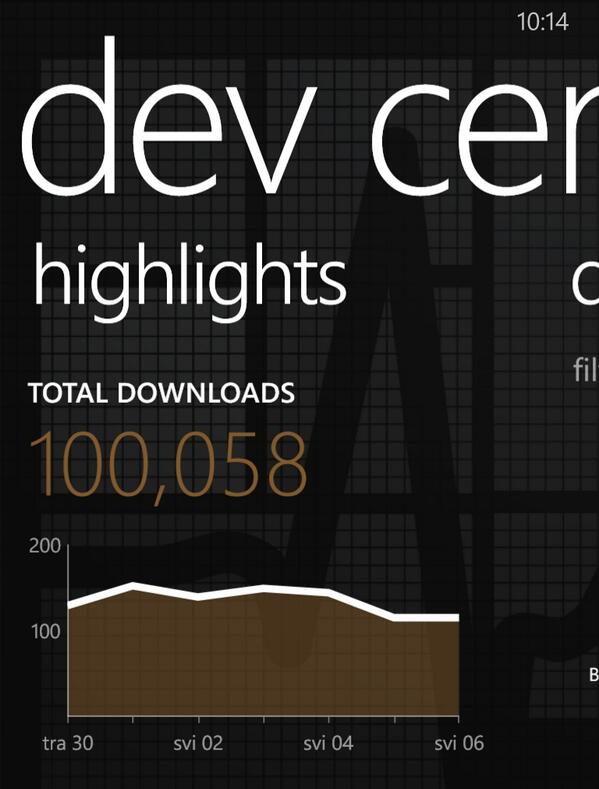
Just crossed 100000 downloads for my #windowsphone applications! :) #wpdev
I see @Microsoft finally corrected the currency issue on @windowsphone store so now 1 USD = 6 HRK instead of 8
“You can now sign out of Skype.” Finally! Now I can reinstall and use it normally again. @Skype
So, now that app certification takes only a few hours, I’m able to download app that crashes on startup?! #wpdev
I’m all for reducing certification times, but if that means not testing the app at all, then no thanks. #wpdev
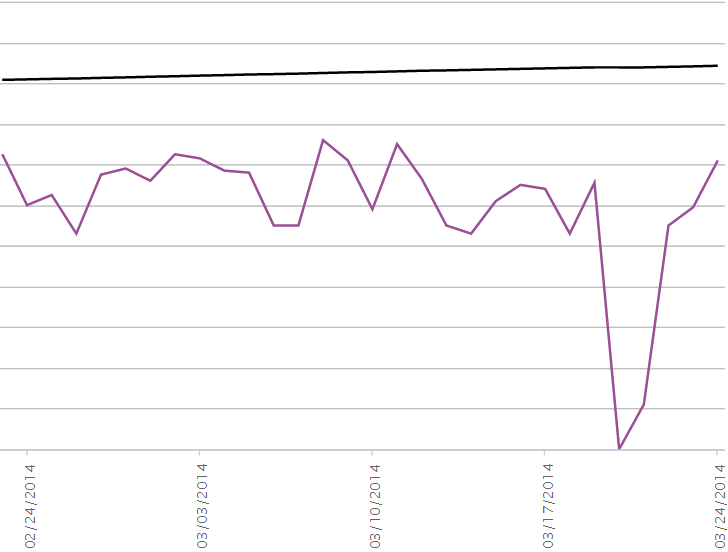
#wpdev people, do you see the same issue with your download stats? I don’t believe that there were zero downloads
My brand new Kad će kiša app for Win 8 is now in store https://apps.microsoft.com/search?query=kad+ce+kisa&hl=en-us&gl=HR #win8dev #kckzg
Maybe there should be a confirm dialog before a user can give one star review letting them know it’s negative? #wpdev
Hey #wpdev people! Anybody notice that app certification (for an update) now takes only a few hours to complete?